As I sit here, sipping my coffee and scrolling through my social media feed, I’m reminded of the crucial role that visually stunning images play in making our mouths water and our fingers click. For food bloggers like myself, finding the best photo editing apps for food bloggers is an essential part of showcasing our culinary creations and telling the stories behind them. A great photo can make all the difference in enticing readers and setting our blogs apart from the rest. Whether you’re a seasoned pro or just starting out, having the right tools to enhance your images is vital.
In this listicle, I’ll be sharing my top 5 picks for the best photo editing apps for food bloggers, and I’m excited to dive into the nitty-gritty details of what makes each one special. From tweaking the brightness and contrast of your shots to adding subtle filters and textures, these apps will help take your food photography to the next level. By the end of this article, you’ll have a clear understanding of which apps will help you achieve the look and feel you want for your blog, and how to use them to create images that are truly irresistible.
Table of Contents
A Pinch of Perfection
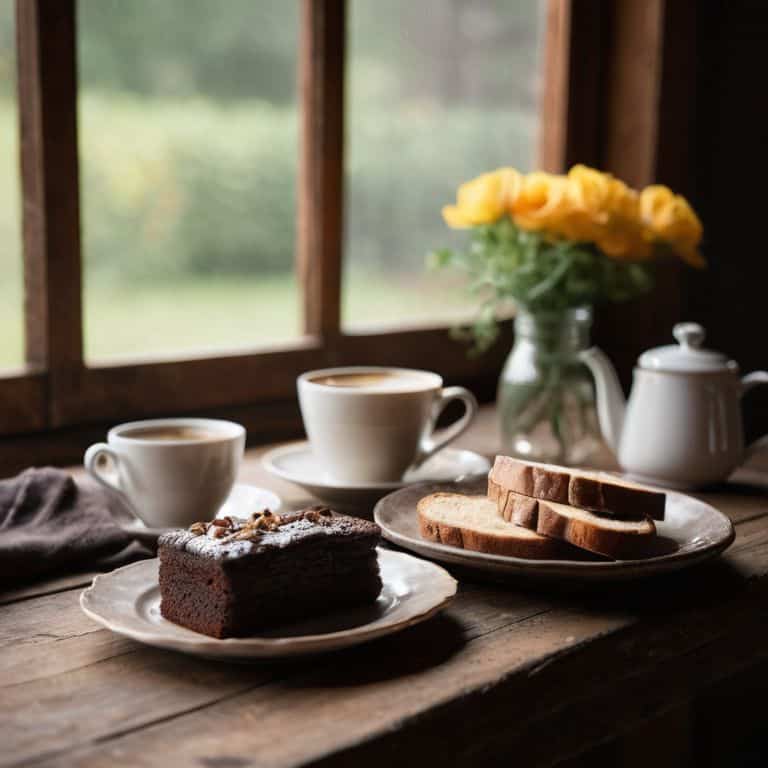
As a food blogger, I’ve learned that a killer photo can make all the difference in enticing readers to try out a new recipe. That’s why I’m obsessed with finding the best photo editing apps to give my images that extra oomph. One of my favorites is VSCO, which offers a range of pre-set filters that can instantly elevate the mood and atmosphere of a photo. Whether I’m shooting a warm, golden-lit brunch spread or a moody, dark-chocolate cake, VSCO’s got a filter to match. With its intuitive interface and extensive customization options, I can easily tweak my photos to perfection without needing to be a pro editor.
The Spice of Life

When it comes to adding a bit of visual interest to my food photos, I turn to Snapseed. This powerful editing app offers a wide range of tools and filters that let me get creative with my images. From detailed brushes that allow me to make precise adjustments to specific areas of the photo, to textured overlays that add a touch of depth and dimension, Snapseed’s got everything I need to take my photos from bland to grand. Plus, its non-destructive editing feature gives me the freedom to experiment with different looks without worrying about ruining the original image.
A Dash of Drama
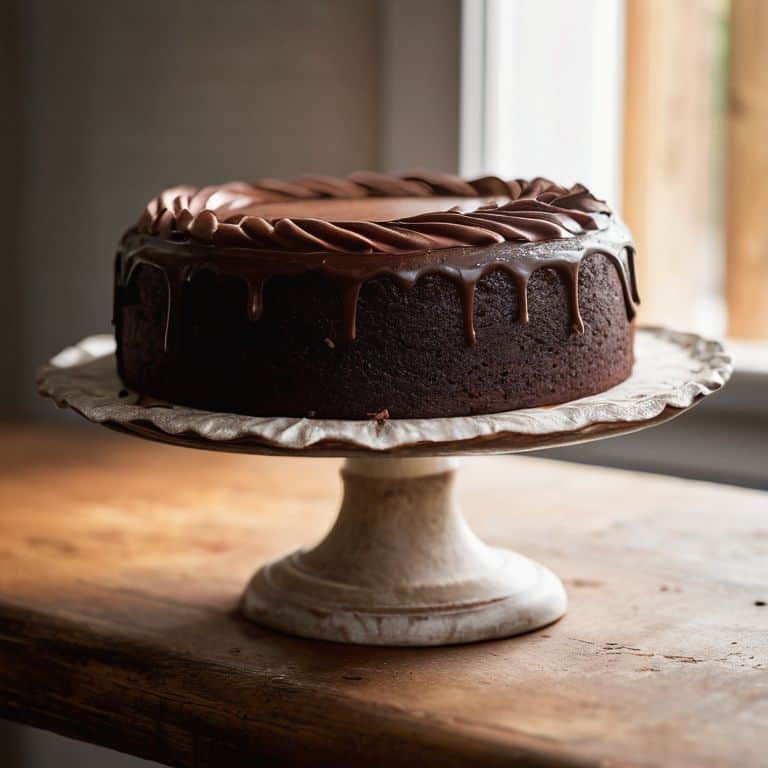
For those times when I want to add a bit of drama to my food photos, I reach for Adobe Lightroom. This professional-grade editing app offers a level of control and precision that’s hard to match, with advanced tools like curves and color grading that let me fine-tune every aspect of my images. Whether I’m shooting a bright, airy dessert or a rich, savory dish, Adobe Lightroom gives me the power to enhance the colors, contrast, and overall mood of the photo to create a truly eye-catching image. And with its seamless integration with other Adobe apps, I can easily import and export my photos to keep my workflow smooth.
The Icing on the Cake
When it comes to adding a touch of whimsy to my food photos, I love using Canva. This user-friendly editing app offers a vast library of templates, graphics, and fonts that let me get creative with my images. From adding fun, colorful text overlays to creating custom illustrations that match my blog’s brand, Canva’s got everything I need to make my photos stand out. Plus, its drag-and-drop interface makes it easy to use, even for those who aren’t design-savvy. With Canva, I can turn my photos into visual masterpieces that are almost too pretty to eat.
The Cherry on Top
Last but not least, I have to give a shout-out to Foodie, an editing app that’s specifically designed for food bloggers like me. With its range of pre-set filters and adjustment tools, I can easily enhance the colors, contrast, and overall look of my photos to make them more appetizing. One of my favorite features is the automatic adjustment tool, which uses AI-powered technology to optimize the image for the best possible look. Whether I’m shooting a juicy burger or a decadent chocolate cake, Foodie helps me make my photos look mouth-wateringly delicious and ready to share with the world.
My Top Takeaways for Making Your Food Photos Shine
As I explored the world of photo editing apps for food bloggers, I realized that it’s not just about tweaking the colors and contrast, but about telling a story that invites your audience to take a bite
From my experience, the best editing apps are those that offer a balance between ease of use and creative control, allowing you to enhance your photos without overwhelming the viewer with too many options
Whether you’re a seasoned foodie or just starting out, investing time in learning the basics of photo editing can make a significant difference in the engagement and shareability of your content, and I’m excited to continue experimenting with new techniques and apps to take my food photography to the next level
A Photographer's Perspective
For me, the best photo editing apps are not just about tweaking exposure and contrast, but about uncovering the story behind each dish – the people, the passion, and the process that makes every bite a labor of love.
David Dunne
Bringing Your Culinary Vision to Life
As I reflect on the journey of discovering the best photo editing apps for food bloggers, I’m reminded that the art of food photography is not just about showcasing a dish, but about telling a story. From enhancing colors to adjusting lighting, these tools have empowered us to transform our images into irresistible, mouth-watering masterpieces. Whether you’re a seasoned blogger or just starting out, having the right photo editing app in your toolkit can make all the difference in capturing the essence of your culinary creations.
So, the next time you sit down to edit your latest food photography shoot, remember that you’re not just tweaking settings – you’re bringing your vision to life. With the right combination of creativity, technique, and inspirational storytelling, your food blog can become a haven for like-minded individuals who share your passion for the culinary arts. Keep experimenting, keep pushing boundaries, and most importantly, keep sharing your love for food with the world.
Frequently Asked Questions
What are the key features I should look for in a photo editing app to make my food photos stand out?
When it comes to making your food photos stand out, I look for apps that offer intuitive filters, precise control over brightness and contrast, and a user-friendly interface. A built-in library of presets tailored to food photography is also a major plus, as it can help you achieve that perfect, mouth-watering look with minimal fuss.
Are there any free or low-cost photo editing apps that can still deliver high-quality results for food bloggers?
Absolutely, I’ve got you covered. For free or low-cost options, I swear by VSCO, Lightroom Mobile, and Snapseed – they’re total game-changers for food bloggers on a budget, offering incredible editing capabilities without breaking the bank.
How do professional food bloggers and photographers use editing apps to enhance their images without making them look overly processed or fake?
For me, it’s all about striking a balance – I want my photos to pop, but still look like they were shot in a cozy bakery, not a lab. I’ve found that subtle tweaks to brightness, contrast, and saturation can make all the difference, and I’m obsessed with uncovering the secrets to making my food photos look irresistible, just like a freshly baked loaf.